Nearby discovery
Discover other ZengChat users connected to the same Wi-Fi or local network and start a conversation quickly.
Private chat on your Wi-Fi
ZengChat helps you discover users connected to the same Wi-Fi or local network and chat directly with a fast, lightweight messaging experience built for local conversations.
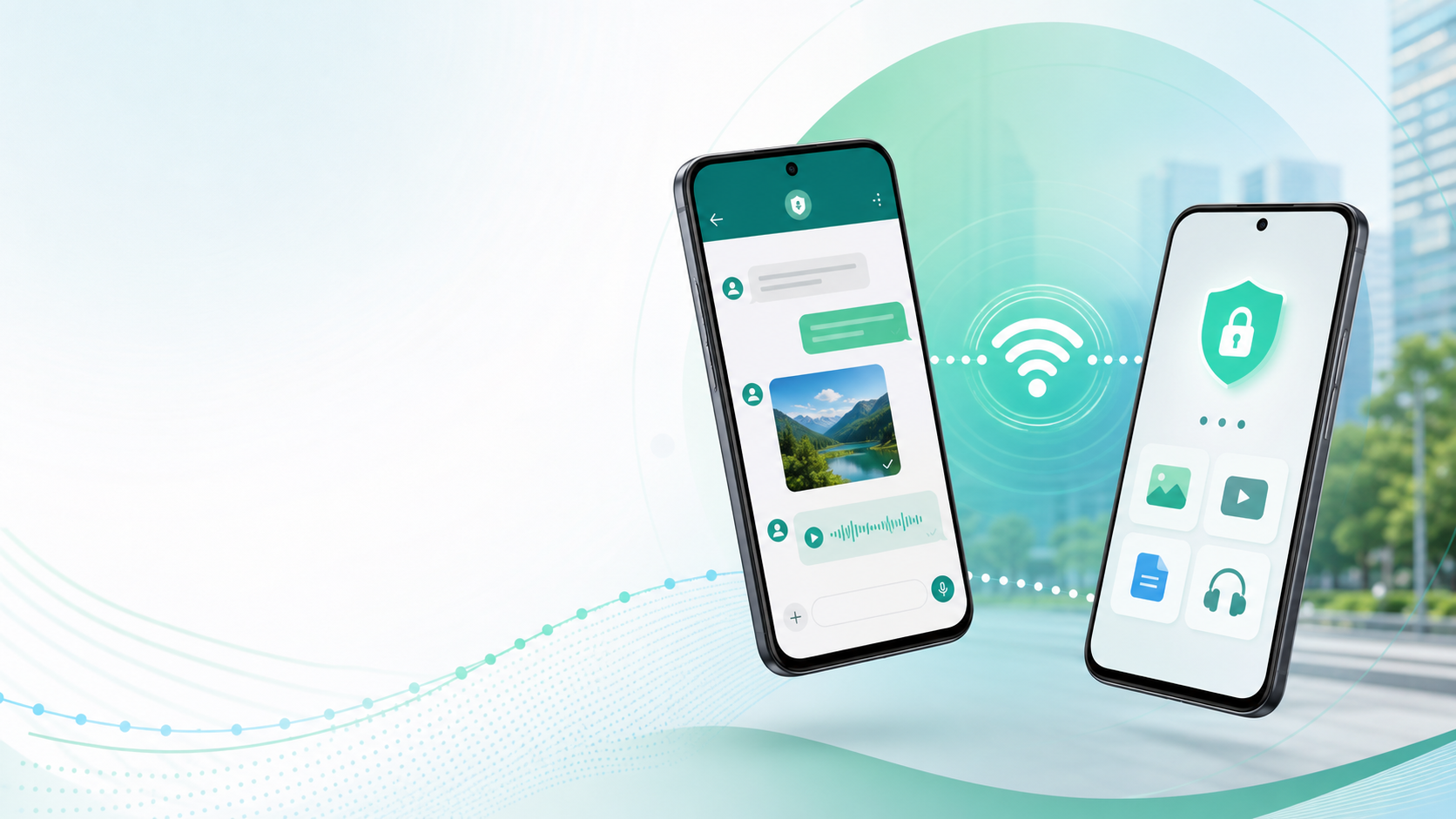
What ZengChat does
ZengChat combines nearby discovery, direct local messaging, guest access, account tools, and practical sharing features in one app.
Discover other ZengChat users connected to the same Wi-Fi or local network and start a conversation quickly.
Send text, replies, images, videos, files, contacts, and clickable links in your local conversations.
Continue with a display name for nearby discovery and chat, with clear prompts when account-only tools are needed.
Create an account, manage your profile, verify email, update your password, and delete your account when needed.
Registered users can block, unblock, and report users, with privacy-aware handling for local chat content.
Choose app language, theme, notifications, biometric app lock, and local chat management preferences.
Privacy-first by design
ZengChat uses Firebase for account services, profile metadata, presence, safety, notifications, feedback, analytics, and crash reporting. Normal local chat messages and shared media are not uploaded as ZengChat server chat history.
How it works
Join the same Wi-Fi or local network as the people you want to chat with.
Sign in, create an account, or continue as a guest with a display name.
Let ZengChat find nearby users on the network automatically.
Send messages, media, files, contacts, and links directly in the app.
Requirements
Both devices need Wi-Fi enabled and must be connected to the same local network for nearby discovery and local chat.
ZengChat supports Android devices running Android 7.0 and newer.
ZengChat asks for permissions only when features need them, such as notifications, media, contacts, or biometric app lock.
Get ZengChat
Install ZengChat on Android or iPhone for nearby discovery, private local conversations, guest access, safety controls, and easy sharing on your network.